Comparativa · Monitores
ASUS Monitor 27" ROG Strix OLED Gaming XG27AQDMES-R 27 Inch 1440 p QD-OLED vs ASUS PA248CNV ProArt
A
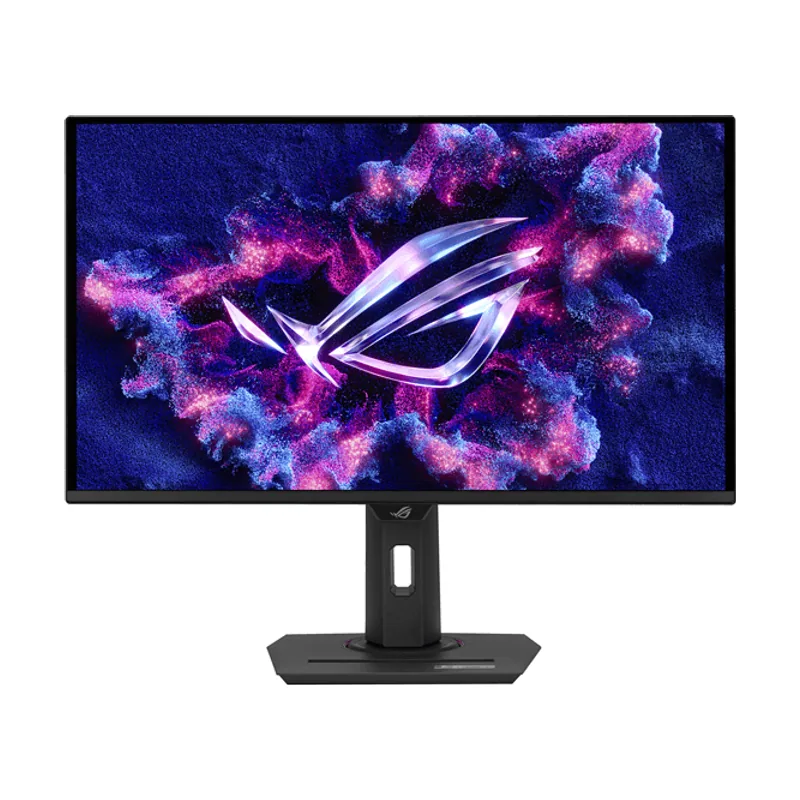
ASUS
ASUS Monitor 27" ROG Strix OLED Gaming XG27AQDMES-R 27 Inch 1440 p QD-OLED
B
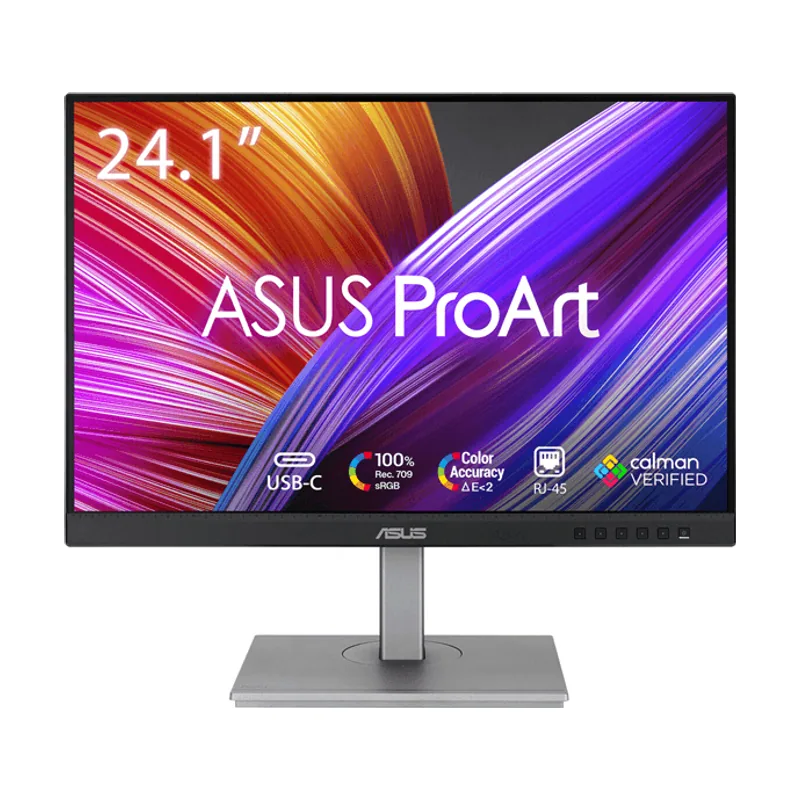
AASUS Monitor 27" ROG Strix OLED Gaming XG27AQDMES-R 27 Inch 1440 p QD-OLED gana en 3 áreas
2 empates
BASUS PA248CNV ProArt: ninguna área a su favor
Veredicto
Calculado a partir de sus 17 datos (12 distintos)
ASUS Monitor 27" ROG Strix OLED Gaming XG27AQDMES-R 27 Inch 1440 p QD-OLED vs ASUS PA248CNV ProArt: veredicto
El Monitor 27" ROG Strix OLED Gaming XG27AQDMES-R 27 Inch 1440 p QD-OLED va por delante en 3 de 5 áreas: gana en fluidez y gaming, en conexiones y en pantalla; el PA248CNV ProArt, más asequible: 289 €. Hoy, el Monitor 27" ROG Strix OLED Gaming XG27AQDMES-R 27 Inch 1440 p QD-OLED cuesta 399 € y el PA248CNV ProArt, 289 €: 110 € de diferencia.
Análisis automático de las dos fichasNo es una prueba en mano: comparamos sus especificaciones área por área con la nota de 0 a 10 de cada apartado. Cómo puntuamos
Ficha técnica comparada
Diferencias entre ASUS Monitor 27" ROG Strix OLED Gaming XG27AQDMES-R 27 Inch 1440 p QD-OLED y ASUS PA248CNV ProArt
Primero lo que cambia; en cada apartado, debajo, lo que tienen igual.
Pantalla
El ASUS Monitor 27" ROG Strix OLED Gaming XG27AQDMES-R 27 Inch 1440 p QD-OLED saca 2,0 más de nota. Elígelo si quieres la mejor pantalla.
Nota de pantalla: ASUS Monitor 27" ROG Strix OLED Gaming XG27AQDMES-R 27 Inch 1440 p QD-OLED, 8,7; ASUS PA248CNV ProArt, 6,7.
| Dato | Monitor 27" ROG Strix OLED Gaming XG27AQDMES-R 27 Inch 1440 p QD-OLED | ASUS PA248CNV ProArt |
|---|---|---|
| Tamaño de pantalla | 26,5″ | 24,1″ |
| Resolución | 2560 × 1440 | 1920 × 1200 |
| Definición | QHD (mejor) | Full HD |
| Formato | 16:9 | 16:10 |
| Tipo de panel | OLED (mejor) | IPS |
Iguales en los dos
- Pantalla curva
- No
Fluidez y gaming
El ASUS Monitor 27" ROG Strix OLED Gaming XG27AQDMES-R 27 Inch 1440 p QD-OLED saca 4,2 más de nota. Elígelo si juegas.
Nota de fluidez y gaming: ASUS Monitor 27" ROG Strix OLED Gaming XG27AQDMES-R 27 Inch 1440 p QD-OLED, 9,2; ASUS PA248CNV ProArt, 5,0.
| Dato | Monitor 27" ROG Strix OLED Gaming XG27AQDMES-R 27 Inch 1440 p QD-OLED | ASUS PA248CNV ProArt |
|---|---|---|
| Tasa de refresco | 240 Hz3,2× (mejor) | 75 Hz |
| Lo que tarda un píxel en cambiar de color. Menos es mejor: con 1 ms o menos no hay estelas en juegos rápidos. | 0,03 ms99 % menos (mejor) | 5 ms |
Conexiones
El ASUS Monitor 27" ROG Strix OLED Gaming XG27AQDMES-R 27 Inch 1440 p QD-OLED saca 3,5 más de nota. Elígelo si necesitas más conexiones.
Nota de conexiones: ASUS Monitor 27" ROG Strix OLED Gaming XG27AQDMES-R 27 Inch 1440 p QD-OLED, 8,8; ASUS PA248CNV ProArt, 5,3.
| Dato | Monitor 27" ROG Strix OLED Gaming XG27AQDMES-R 27 Inch 1440 p QD-OLED | ASUS PA248CNV ProArt |
|---|---|---|
| Número de entradas HDMI para ordenador, consola u otros dispositivos. | 22× (mejor) | 1 |
| HDMI 2.1 permite 4K a 120 Hz o más: lo que piden la PS5 y la Xbox Series X para jugar en 4K a 120 Hz. | HDMI 2.1 (mejor) | HDMI 1.4 |
| DisplayPort | DisplayPort 1.4 (mejor) | DisplayPort 1.2 |
| Altavoces integrados | No | Sí (mejor) |
Ergonomía y diseño
Empate: los dos sacan 9,7.
Nota de ergonomía y diseño: ASUS Monitor 27" ROG Strix OLED Gaming XG27AQDMES-R 27 Inch 1440 p QD-OLED, 9,7; ASUS PA248CNV ProArt, 9,7.
| Dato | Monitor 27" ROG Strix OLED Gaming XG27AQDMES-R 27 Inch 1440 p QD-OLED | ASUS PA248CNV ProArt |
|---|---|---|
| Peso con soporte | 7,4 kg | 6,5 kg0,9 kg más ligero (mejor) |
Iguales en los dos
- Giro vertical (pivote)
- Sí
- Giro lateral
- Sí
- Montaje VESA
- Sí
Consumo
Los dos tienen lo mismo en este apartado.
Nota de consumo: ASUS Monitor 27" ROG Strix OLED Gaming XG27AQDMES-R 27 Inch 1440 p QD-OLED, 6,9; ASUS PA248CNV ProArt, 6,9.
Iguales en los dos
- Clase energética (SDR)
- E
Otras comparativas que te pueden servir
ASUS Monitor 27" ROG Strix OLED Gaming XG27AQDMES-R 27 Inch 1440 p QD-OLED contra otros rivales
ASUS PA248CNV ProArt contra otros rivales