Comparativa · Monitores
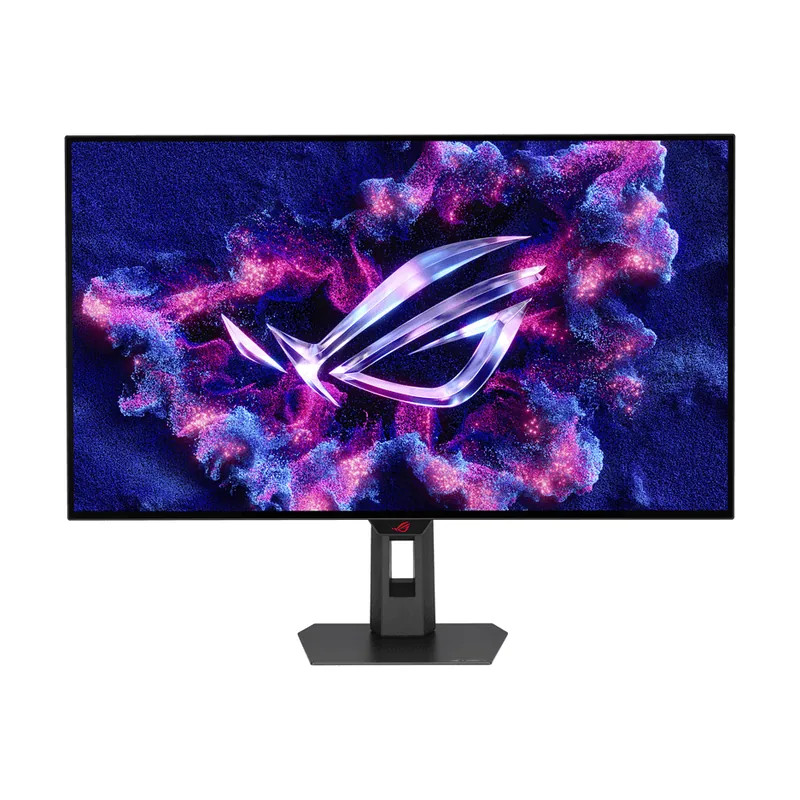
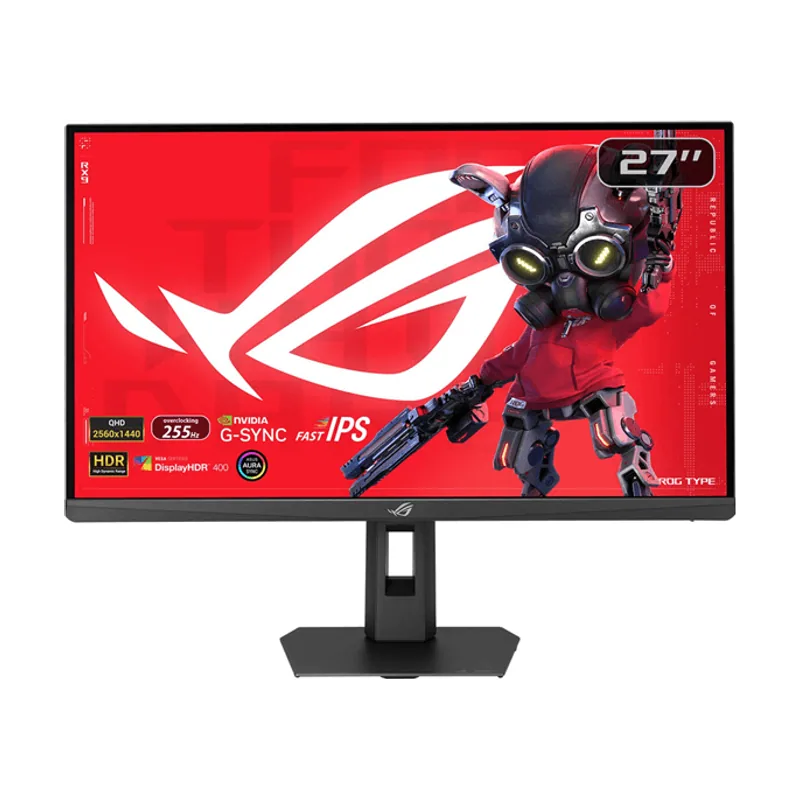
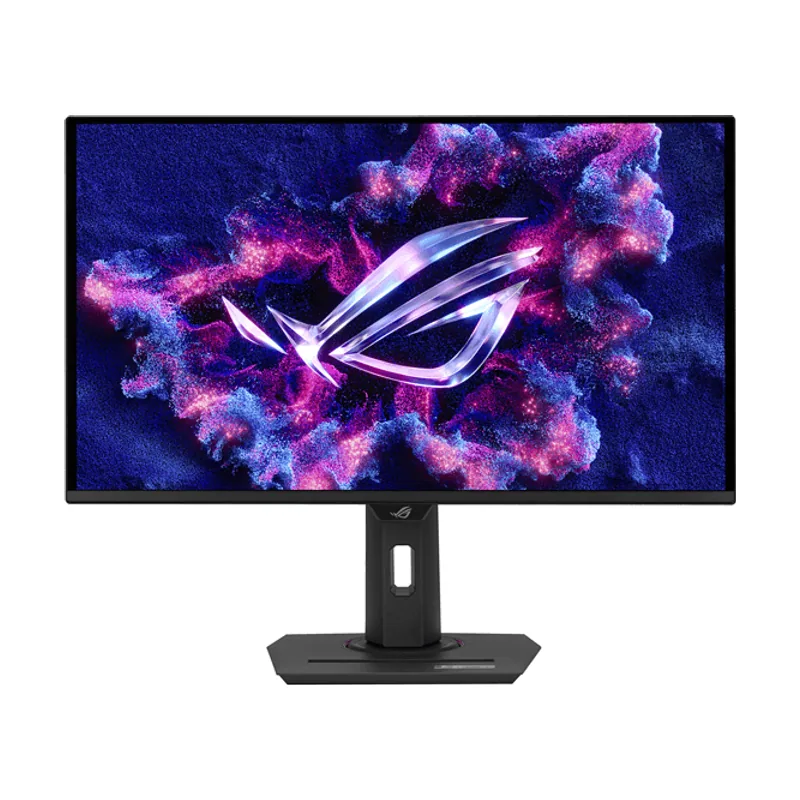
ASUS Monitor 27" ROG Strix OLED Gaming XG27AQDMES-R 27 Inch 1440 p QD-OLED vs ASUS PA27UCGE ProArt
A
B
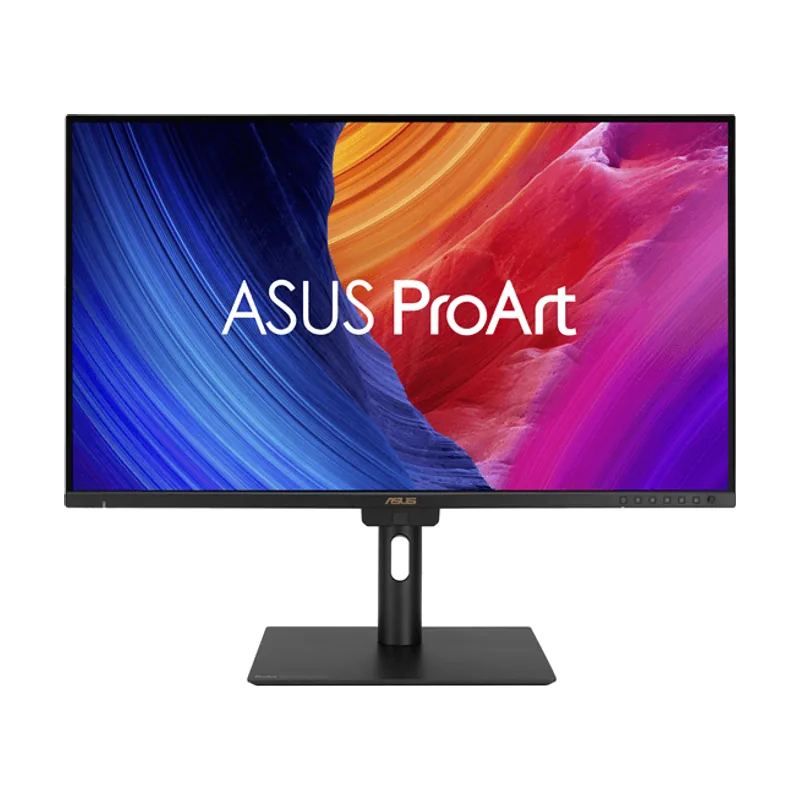
AMonitor 27" ROG Strix OLED Gaming XG27AQDMES-R 27 Inch 1440 p QD-OLED gana en 2 áreas
2 empates
BPA27UCGE ProArt gana en 1 área
Veredicto
Calculado a partir de sus 18 datos (8 distintos)
Monitor 27" ROG Strix OLED Gaming XG27AQDMES-R 27 Inch 1440 p QD-OLED vs PA27UCGE ProArt: veredicto
Elige el Monitor 27" ROG Strix OLED Gaming XG27AQDMES-R 27 Inch 1440 p QD-OLED si juegas y quieres gastar menos luz; el PA27UCGE ProArt, si quieres la mejor pantalla. El Monitor 27" ROG Strix OLED Gaming XG27AQDMES-R 27 Inch 1440 p QD-OLED va por delante en 2 de 5 áreas: gana en fluidez y gaming y en consumo; el PA27UCGE ProArt, en pantalla. Hoy, el Monitor 27" ROG Strix OLED Gaming XG27AQDMES-R 27 Inch 1440 p QD-OLED cuesta 371 € y el PA27UCGE ProArt, 660 €: 289 € de diferencia.
Análisis automático de las dos fichasNo es una prueba en mano: comparamos sus especificaciones área por área con la nota de 0 a 100 de cada apartado. Cómo puntuamos
Área por área
Nota de 0 a 100 de cada apartado, con los datos que tienen los dos. Barra sólida: quien gana el área.
Pantalla
Gana el PA27UCGE ProArt (+5). Elígelo si quieres la mejor pantalla.
Monitor 27" ROG Strix OLED Gaming XG27AQDMES-R 27 Inch 1440 p QD-OLED: 68; PA27UCGE ProArt: 73.
Fluidez y gaming
Gana el Monitor 27" ROG Strix OLED Gaming XG27AQDMES-R 27 Inch 1440 p QD-OLED (+68). Elígelo si juegas.
Monitor 27" ROG Strix OLED Gaming XG27AQDMES-R 27 Inch 1440 p QD-OLED: 100; PA27UCGE ProArt: 32.
Consumo
Gana el Monitor 27" ROG Strix OLED Gaming XG27AQDMES-R 27 Inch 1440 p QD-OLED (+16). Elígelo si quieres gastar menos luz.
Monitor 27" ROG Strix OLED Gaming XG27AQDMES-R 27 Inch 1440 p QD-OLED: 33; PA27UCGE ProArt: 17.
Empate en conexiones y en ergonomía y diseño
Conexiones: 72 · Ergonomía y diseño: 100
Diferencias clave entre Monitor 27" ROG Strix OLED Gaming XG27AQDMES-R 27 Inch 1440 p QD-OLED y PA27UCGE ProArt
Las que más se notan, con cada dato frente al resto de monitores: mejor cuanto más a la derecha; la raya es la mediana.Barras: más a la derecha, mejor que el resto de monitores; la raya es el valor típico.
| Dato | Monitor 27" ROG Strix OLED Gaming XG27AQDMES-R 27 Inch 1440 p QD-OLED | PA27UCGE ProArt |
|---|---|---|
| Tiempo de respuesta | 0,03 msGana97 % menosMejor que el 95 % de los monitores; la mediana es 4 ms. | 1 msMejor que el 70 % de los monitores; la mediana es 4 ms. |
| Peso con soporte | 7,4 kg | 6,4 kgGana1 kg más ligero |
| Definición | QHD | 4K UHDGana |
| Tipo de panel | OLEDGana | Mini-LED |
| Altavoces integrados | No | SíGana |
| Clase energética (SDR) | EGana | F |
En común:
- Puertos HDMI: 2
- Versión HDMI: HDMI 2.1
- DisplayPort: DisplayPort 1.4
- Giro vertical (pivote): Sí
- Giro lateral: Sí
Ficha técnica comparada
Resaltamos el mejor valor de cada fila según su regla (más es mejor, menos es mejor o sí/no). Los empates no se marcan y un dato que falta no cuenta como diferencia.
Monitores
2 productos · hasta 4
Resumen
Nota, calidad-precio y precio
Pantalla
4 de 6 distintas
Calidad de imagen
Sin diferencias
Solo tenemos el dato de uno
Fluidez y gaming
1 de 1 distinta
Conexiones
1 de 4 distinta
Ergonomía y diseño
1 de 4 distinta
Consumo
1 de 1 distinta
Otras comparativas que te pueden servir
Monitor 27" ROG Strix OLED Gaming XG27AQDMES-R 27 Inch 1440 p QD-OLED contra otros rivales
- Monitor 27" ROG Strix OLED Gaming XG27AQDMES-R 27 Inch 1440 p QD-OLED vs ROG Strix OLED XG32UCWMG
- Monitor 27" ROG Strix OLED Gaming XG27AQDMES-R 27 Inch 1440 p QD-OLED vs XG27ACMES ROG Strix
- ASUS Monitor 27" ROG Strix OLED Gaming XG27AQDMES-R 27 Inch 1440 p QD-OLED vs ASUS Tuf Gaming VG34VQL1B 86,4 cm 3440 x 1440 Pixeles UltraWide Quad HD